


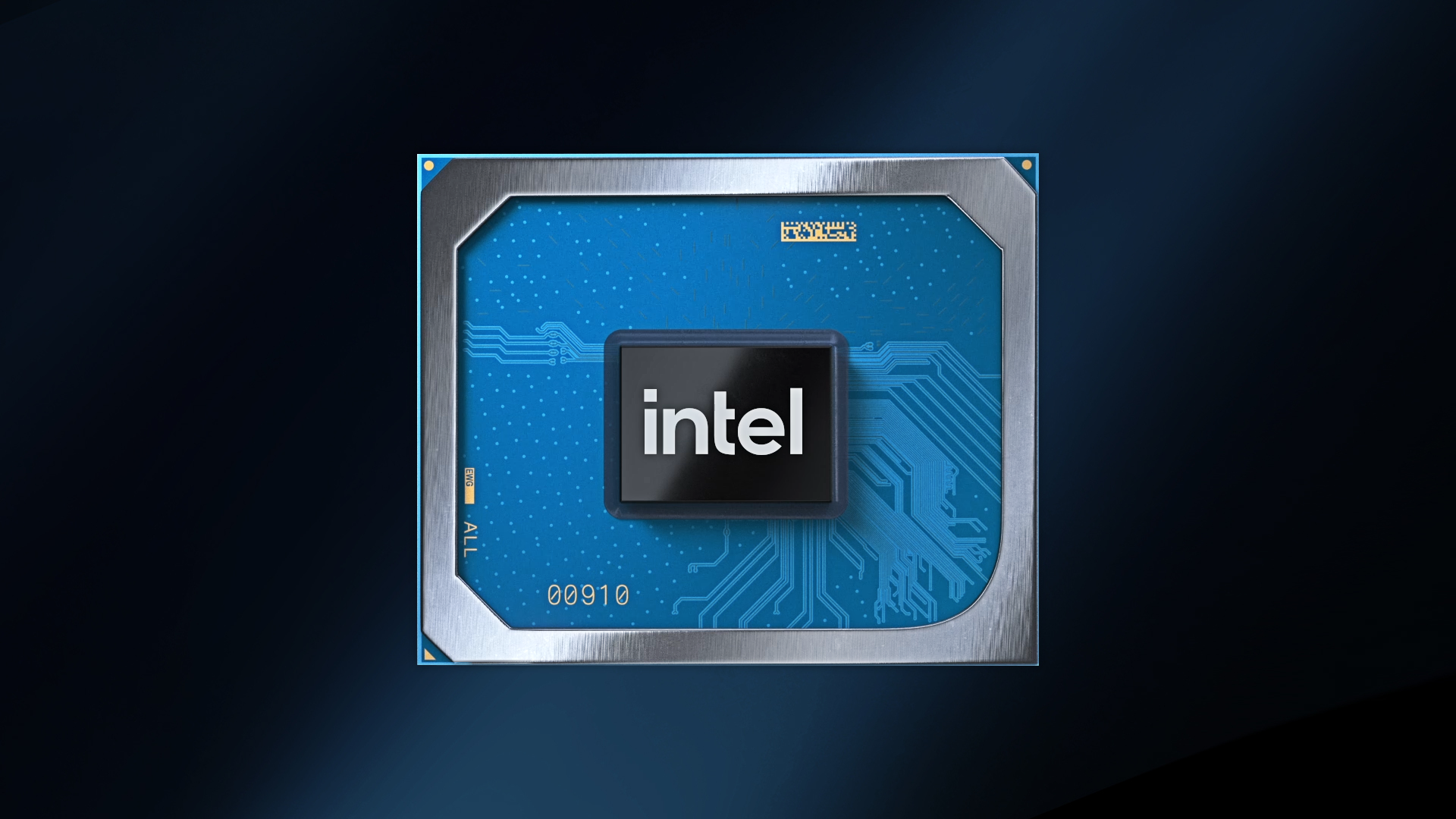
Intel Iris Xe Graphics is Intel’s modern integrated graphics solution built into many of its newer processors. Instead of requiring a separate graphics card, this system combines the graphics engine directly into the CPU. That means lighter laptops and desktops can still handle visual tasks smoothly without extra hardware. For many users, this is a big deal because it lowers costs, reduces power consumption, and still delivers solid performance for daily computing and light-to-moderate gaming.
What makes Intel Iris Xe graphics stand out is how much it has improved over earlier integrated graphics generations. In the past, built-in graphics were only good for basic display output and simple tasks. Now, users can edit photos, design software, play many modern games on adjusted settings, and connect high-resolution monitors. It changed the idea that integrated graphics are only for basic users. Today, they serve students, office workers, creators, and casual gamers quite well.
How Intel Iris Xe Graphics Actually Works
To understand performance, it helps to know how this graphics system operates. Intel Iris Xe graphics shares system memory rather than using dedicated video memory, as a standalone graphics card would. This shared model allows the chip to use RAM when needed dynamically. The more memory your system has and the faster it runs, the better the graphics performance tends to be.
The architecture uses multiple execution units that handle parallel visual tasks. These units process shading, lighting, textures, and display output simultaneously. Intel also added more intelligent scheduling and improved drivers, enabling workloads to move more efficiently between CPU and GPU. The result is smoother multitasking when you browse, edit, and run apps simultaneously.
Another practical benefit is efficiency. Because Intel Iris Xe graphics is integrated into the processor package, it consumes less power and generates less heat than a dedicated graphics card. That makes it ideal for thin laptops and portable systems where battery life matters.
Key Features That Make Intel Iris Xe Graphics Useful
Several features help this graphics platform feel modern and capable. First, it supports high-resolution displays, including 4K output on compatible systems. That makes it suitable for creators, developers, and professionals who work with detailed visuals. It also supports multiple monitor setups, which is helpful for productivity workspaces.
Hardware acceleration is another strong point. Tasks like video playback, encoding, and decoding are handled more efficiently through built-in acceleration blocks. This reduces CPU load and keeps the system responsive during video streaming or editing. Many users report smoother playback and faster exports than with older integrated graphics.
Driver support has also improved. Intel releases regular updates that improve compatibility and performance for apps and games. This matters more than people think. Good drivers often bring noticeable gains without any hardware change.
Everyday Computing Performance with Intel Iris Xe Graphics
For daily tasks, the Intel Iris Xe graphics performs comfortably. Office work feels smooth even with large documents and many browser tabs open. Spreadsheet tools, presentation software, and multitasking workflows run without visual lag on properly configured systems. The interface remains responsive because the GPU helps handle rendering and window effects.
Students benefit a lot from this setup. Research, online classes, design assignments, and coding environments all run well. Even light creative work, like photo editing or vector design, is practical. Many people do not need a dedicated graphics card for these tasks, and integrated graphics keeps the system lighter and cheaper.
Web usage also feels faster when hardware acceleration is enabled in the browser. Page rendering, scrolling, and interactive content rely partly on the GPU. That is where Intel Iris Xe graphics quietly improves the overall experience of the machine.
Gaming Experience with Intel Iris Xe Graphics
Gaming is where most people ask questions. The honest answer is that Intel Iris Xe graphics is not designed to replace high-end gaming GPUs, but it is far more capable than older integrated options. Many popular games run well at medium or low settings, especially at 1080p or lower resolution.
Esports titles and competitive games usually perform best. These games are designed to scale across hardware types, enabling players to achieve stable frame rates with smart settings. Casual gamers often find the experience more than acceptable. Story-driven and open-world games may require reduced graphics settings, but they are still playable in many cases.
Settings matter a lot here. Lowering shadows, reducing texture quality, and turning off heavy effects can quickly boost frame rates. Resolution scaling also helps. With some tuning, users can turn a borderline experience into a smooth one.
Comparison with Older Integrated Graphics
Compared to earlier Intel UHD generations, Intel Iris Xe graphics is a significant step forward. Frame rates are higher, driver stability is better, and feature support is wider. Users moving from older laptops often notice the difference immediately when launching apps or games.
The gap is evident in creative workloads as well. Image filters, canvas zooming, and preview rendering feel quicker. While it still does not match dedicated GPUs, the jump within integrated graphics itself is meaningful. For many buyers, this removes the need to pay extra for entry-level discrete graphics.
Laptop Benefits and Real World Use
Most systems with Intel Iris Xe graphics are laptops, which shapes the real-world experience. These machines tend to be thin, quiet, and energy efficient. Battery life benefits because integrated graphics consumes less power during everyday tasks. Lower heat output helps maintain consistent performance over longer sessions.
Thermal design still matters, though. A well-cooled laptop will sustain higher graphics clocks longer. Two laptops with the same processor can perform differently if one has better cooling. Buyers sometimes overlook this, but it plays a fundamental role in performance stability.
Portability is another plus. You can carry a lightweight laptop that still handles design work, light gaming, and media tasks without needing a bulky GPU system.
Ways to Improve Intel Iris Xe Graphics Performance
Users can squeeze more performance with a few smart steps. Keeping drivers updated is the most important one. Intel frequently improves app and game optimization through driver releases. Installing the latest version often gives free performance gains.
System memory also matters. Dual-channel RAM improves bandwidth, which directly helps integrated graphics. If a system supports memory upgrades, adding another RAM module can noticeably enhance results.
Inside software, adjusting graphics settings helps balance quality and speed. Lowering resolution, reducing effects, and turning on performance modes can stabilize frame rates. Closing background apps also frees memory and processing resources.
Common Issues and Practical Fixes
Some users run into performance dips or display glitches. Often, the cause is outdated drivers or incorrect power settings. Switching the system to high-performance mode can prevent unnecessary clock-speed throttling. Updating drivers solves many rendering issues.
Another common issue is expecting dedicated GPU-level performance. When expectations match the hardware category, satisfaction is much higher. Intel Iris Xe graphics is best viewed as a strong integrated solution, not a replacement for high-end gaming cards.
Display problems sometimes come from cable or monitor settings rather than the GPU itself. Checking resolution, refresh rate, and connection type usually resolves these cases.
Who Should Choose Intel Iris Xe Graphics
This graphics solution fits a wide range of users. Students, office professionals, remote workers, and casual gamers all benefit from its balance of power and efficiency. Entry-level creators who edit photos, design layouts, or produce light video projects can also work comfortably.
It is beautiful to people who want a single portable machine that handles multiple roles. Instead of buying a heavy gaming laptop, they can use a thinner system that still manages work and entertainment smoothly.
For users with demanding gaming or 3D rendering needs, a dedicated GPU remains a good fit. But for everyday computing and moderate visual workloads, Intel Iris Xe graphics offers a practical and cost-effective option.
Final Thoughts on Intel Iris Xe Graphics
Intel Iris Xe graphics changed expectations for integrated graphics. It delivers smooth daily performance, supports modern display features, and handles many games and creative tasks better than older built-in solutions. While it does not replace high-end graphics cards, it closes the gap enough for most everyday users.
If you choose a system with enough RAM, updated drivers, and good cooling, the experience is surprisingly capable. For everyday computing and approachable gaming, it remains one of the most balanced integrated graphics options available.
READ MORE: selftimes
