


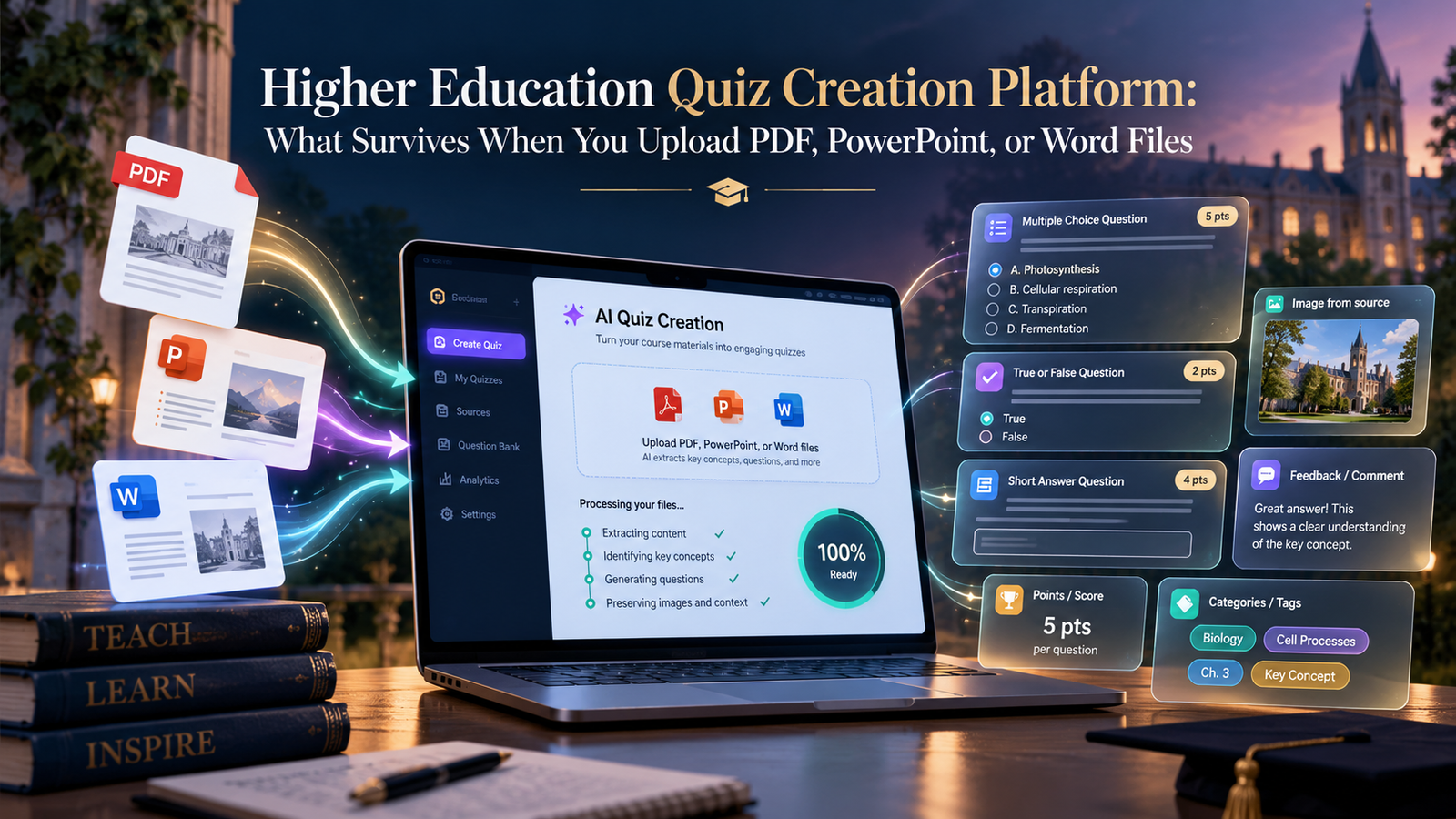
Uploading PDF, PowerPoint, and Word files to a higher education quiz creation platform is easy; keeping feedback, images, and question types through an import is harder. Adobe Acrobat’s quiz maker takes those files up to 100MB each, lets you edit every question, and is free to start with no sign-up, but its page lists no course-system export.
Most advice about quiz platforms stops at upload. For a university course the real question is what survives the move: question types, points, feedback, images, and categories. This article follows that thread. It looks at what students can expect back from an AI quiz generator, then at what Canvas and Moodle formats carry, using university support pages and Moodle’s own documentation. It ends with the risks of converting scanned or slide-based files. Details come from support pages and from each tool’s own pages, and vendor claims are marked as such. Campus settings differ, so test a small file and confirm with your instructor or learning technology office.
| Route | Question types described | What else the pages say |
| Aiken, Moodle | Multiple choice and true or false only, per Lane Community College | Simplest to build outside Moodle, per LSU; category not included, per NC State |
| GIFT, Moodle | Multiple choice, true or false, fill-in, and matching | Category included; per-choice feedback per one converter page; media needs an optional plugin |
| Moodle XML, Moodle | Any type of question, per NC State | Recommended by Moodle docs because it carries the most data, such as feedback |
| CSV to QTI, Canvas | Multiple choice, multiple response, and true or false, per Johns Hopkins | Template has question type, point value, and question text |
| Word through Respondus | Multiple choice, true or false, essay, short answer, matching, multiple response | Images work best in a .doc file, and imports often need fixing, per one university page |
AI Quiz Generator for PDF and PowerPoint: What Should Students Expect Back?
Expect a draft, not a course-ready file. Adobe’s quiz maker page says you upload class materials, get a quiz in seconds, and can edit anything or generate new versions, and it shows citations next to answers so you can check each one. It lists no question types and no course-system export. Slides give short phrases, so questions built from them can be thin, and a PDF without selectable text gives the generator little to read. Treat the output as practice: read every question and answer key against your notes, then give your instructor the questions in whatever format they ask for. Start with one unit so you can see what the generator does with your material.
Higher Education Quiz Import: Which QTI File Types Carry Points and Question Types?
Canvas imports a QTI .zip package, according to university support pages, and the details depend on how the package was made. Johns Hopkins describes a CSV template with columns for question type, point value, and question text, converted to QTI, with multiple choice, multiple response, and true or false as the listed types. One converter site says New Quizzes accepts QTI 1.2 and 2.x. Cal Poly and Florida State describe item banks for New Quizzes. Essay, matching, or fill-in questions may need another route, so check your template, and let an instructor or administrator run the import.
Quiz Question Import Formats: Which Ones Keep Feedback and Images in Higher Education?
Moodle XML keeps the most. Moodle’s docs recommend it because it can carry the most question data, such as feedback, and NC State says GIFT and XML are the formats that include the category. One converter page says GIFT and Moodle XML support per-choice feedback. Aiken is limited to multiple choice and true or false, per Lane. For images, one university page says to use a .doc file with Respondus and paste the images into the question, Moodle’s docs list an optional GIFT plugin that imports media in a zip, and Carleton’s docs cover XML files for images. Always check the imported questions. Re-add images by hand if they are lost.
AI Generate Quiz From Scanned PDF, PowerPoint, or Document Upload: What Gets Lost?
Structure and detail get lost first. A scanned PDF has no selectable text, so a generator may read nothing, and slides keep short phrases without the spoken explanation. A Word file with real headings gives a tool more to work with. A university page warns that files often import into Respondus incorrectly, so the required formatting matters. Images and equations are the most fragile. Use selectable text, keep one unit per file, and test five questions before you convert a full set. Ask your instructor which format they will accept before you spend time on conversion.
Frequently Asked Questions
Which format keeps the most information?
For Moodle, the docs recommend Moodle XML because it can carry the most question data, such as feedback. For Canvas, the pages checked describe QTI packages, and a spreadsheet route that carries question type, point value, and text. Check what your own system needs, and test a few questions before importing a full set. Keep a copy of the original questions.
Do I lose images when I convert questions?
You can. One university page says images work best when questions are in a .doc file that you paste into Respondus, and other formats need extra steps or plugins. After any import, open a few questions that contain images, equations, or tables and compare them with the source.
Who should do the conversion?
Usually an instructor or a learning technology office, because course imports are normally run by instructors or administrators. A student can prepare practice questions and offer them in the format the instructor requests. Keep the original files so the conversion can be redone if something breaks. Ask which sandbox course you can use.
READ MORE: selftimes
